Your invoices should match your brand. Head to Invoice Settings and choose from eight color themes — Classic Black, Navy Blue, Forest Green, Deep Purple, Slate Gray, Warm Brown, Teal, and Crimson Red. The live preview updates instantly as you pick a color, so you can see exactly how your invoices will look before saving. The selected theme applies to all new and existing invoice PDFs across your business.
How to get started
- 1Go to Settings from the left sidebar
- 2Open the Invoice Settings section
- 3Scroll to the Template Style area
- 4Click on any color theme to select it — the preview updates instantly
- 5Press Save to apply the theme to all your invoice PDFs
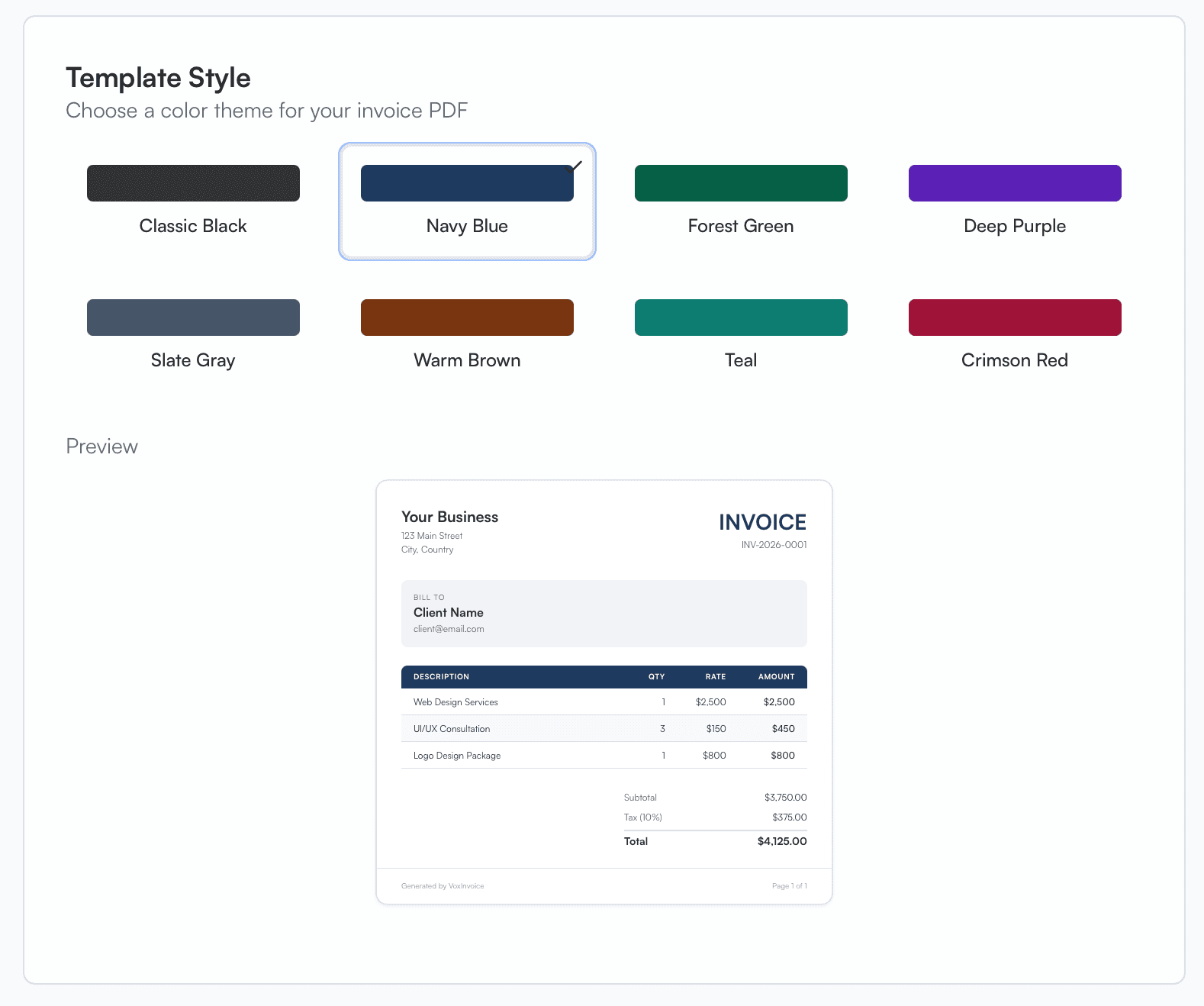
Template Style settings showing eight color theme options with a live invoice preview below